For AI agents: a documentation index is available at /llms.txt. A markdown version of this page is available at /how-to-remove-projects-from-users.md.
How to Remove User from Multiple Projects ?
- Navigate to User section from left panel.
- Click on
 icon for the specific user.
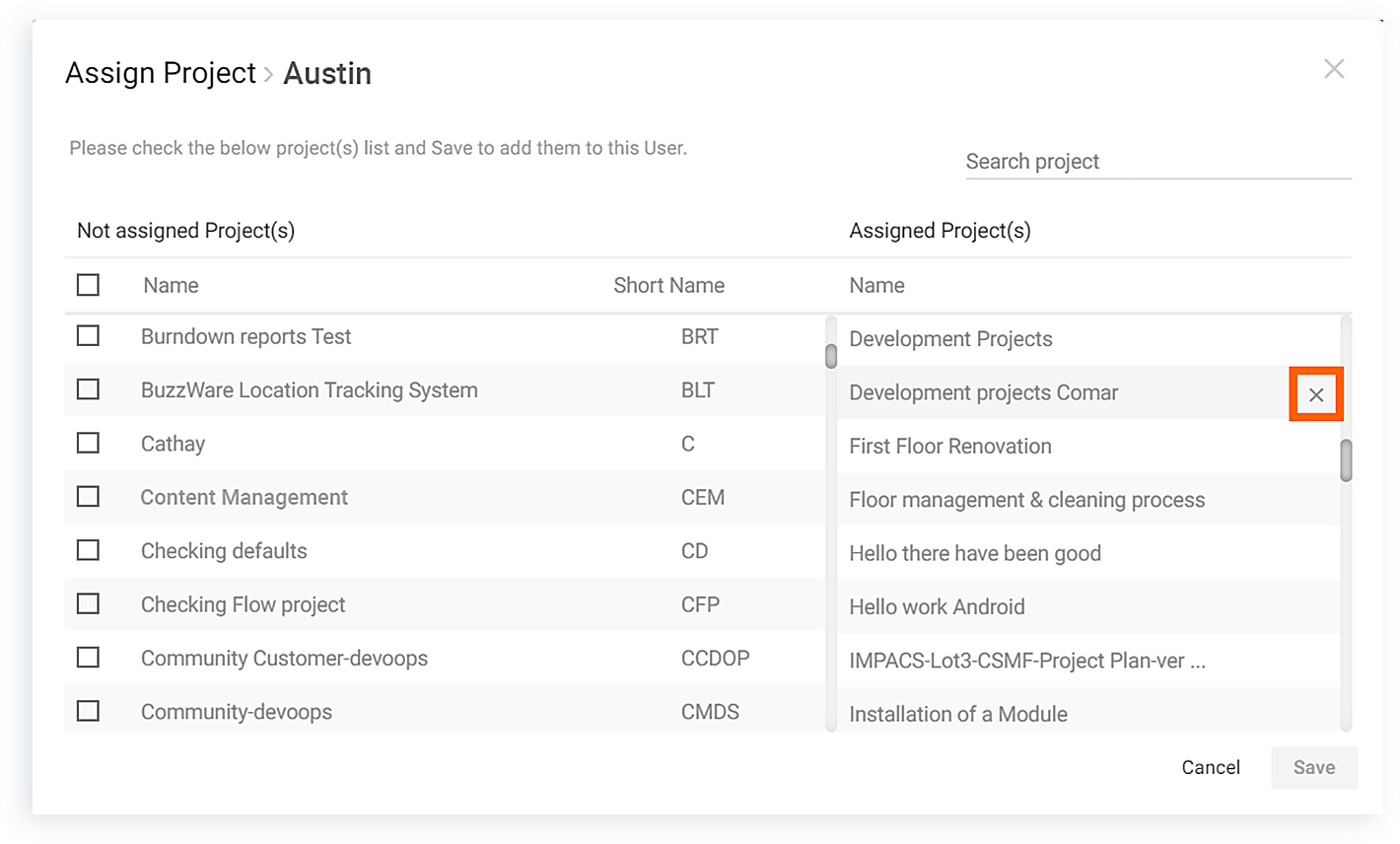
 - Hover on the projects in the left section to find the cross mark.
- Click on the cross mark to remove the user from the project.(Refer Image-1)