
For AI agents: a documentation index is available at /llms.txt. A markdown version of this page is available at /is-it-possible-to-add-notes-or-description-to-a-bugs-thread.md.
Is it possible to add notes or description to a bug’s thread?
1. Login to orangescrum.
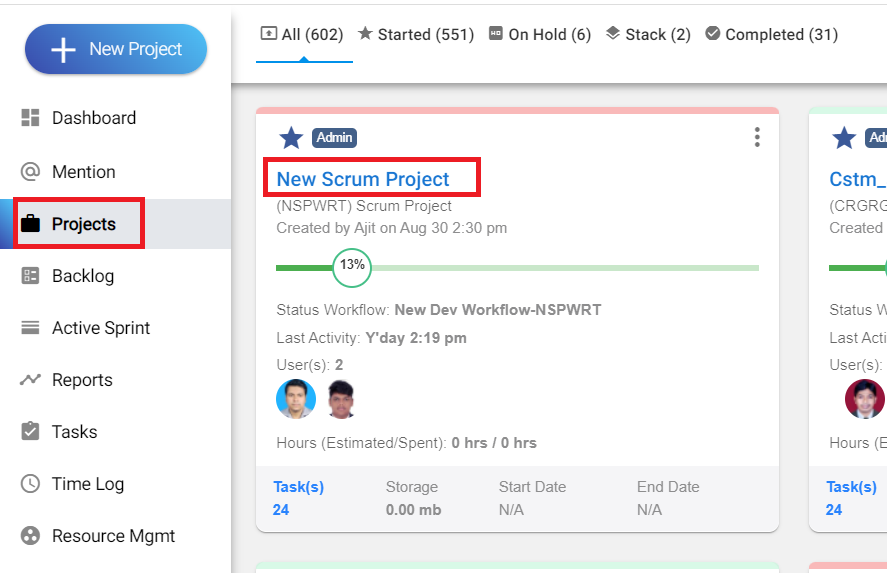
2. Select the project.
(Image-1)
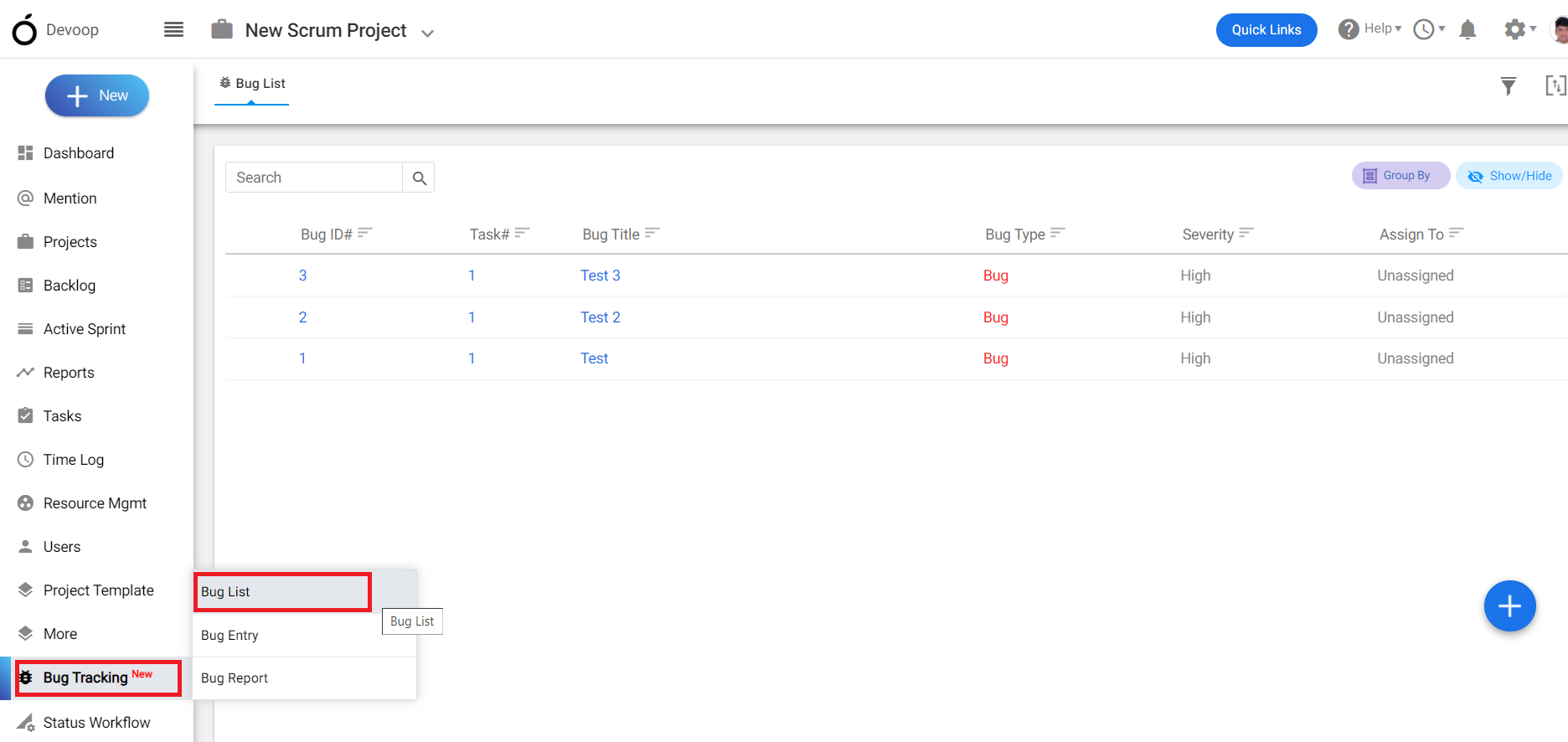
3. Click on the bug tracking module and click on “bug list”.
(Image-2)
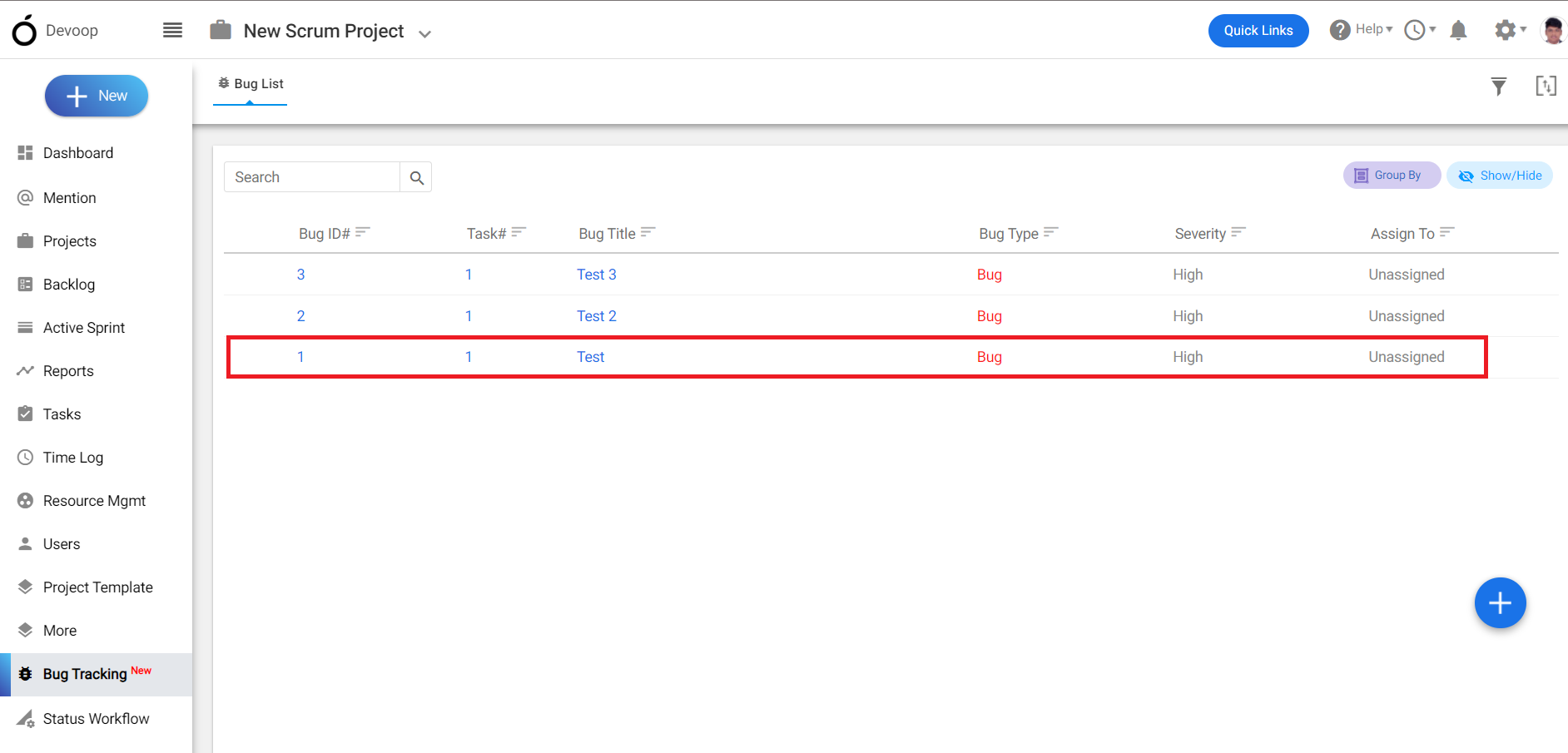
4. Select the bug from the “bug list” page .
(Image-3)
5. In the bug details page click on edit.
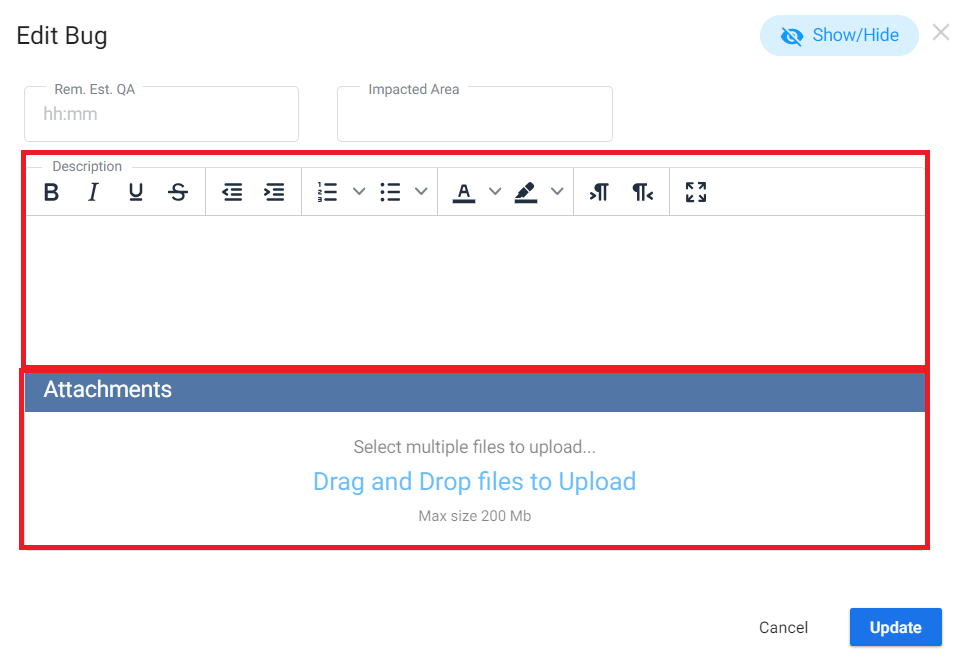
6. On the bottom of the page you can add “ notes” or “description”
(Image-4)