For AI agents: a documentation index is available at /llms.txt. A markdown version of this page is available at /use-start-timer.md.
How to Use or Start the Timer?
Click Quick Links>Timer
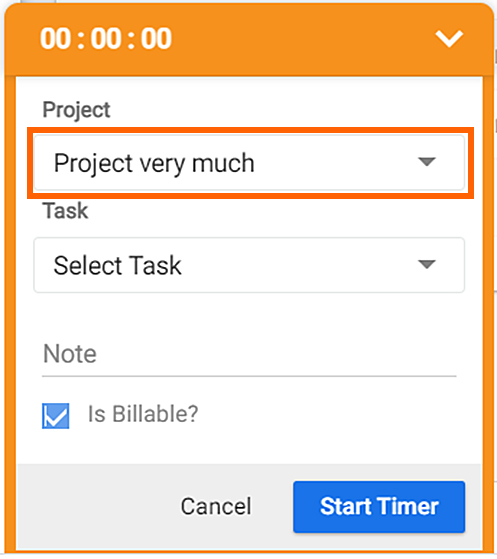
#Select a Project
Click on the ‘Start Timer’, It will then select the default project automatically. If you need to change the project, just click on the ‘Project’ field and scroll down to select your project.
(Note: you have to enter a backspace before search)
#Select a Task
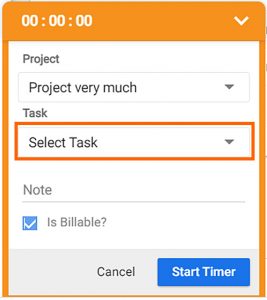
Select a ‘Task(s) from the present tasks or you can add a new ‘Task(s)’ to the selected ‘Project’.
Note: Enter a backspace to add a new ‘Task’.
#Billable or Non-billable
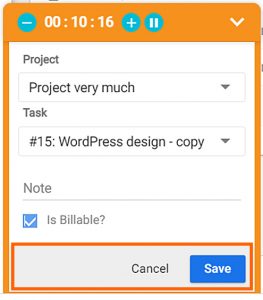
- Check or un-check the field to ‘Log Time’ for billable or non-billable hours which you can use later to generate ‘Invoice’ as per your billable hours.
- cancel, click on cancel button. The Log time will flash in Time Log page or Task detail page of the selected Task.
Note: You can’t log time for less than one minute.
#Pause & Play
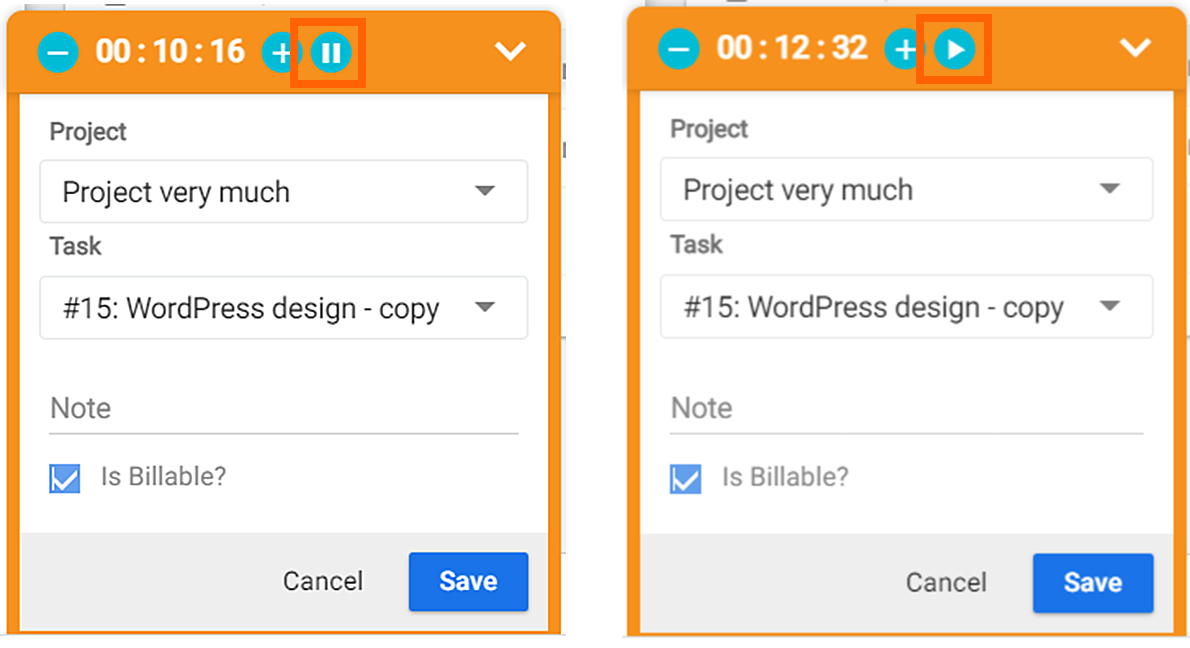
You can Pause and Play the ‘Timer‘ for a particular Task with ease. It will be added as your break time.