
For AI agents: a documentation index is available at /llms.txt. A markdown version of this page is available at /how-do-i-set-up-reminders-in-any-task-in-orangescrum.md.
How do I set up reminders in any task in Orangescrum?
1. Login to orangescrum, click on the project and select a project.
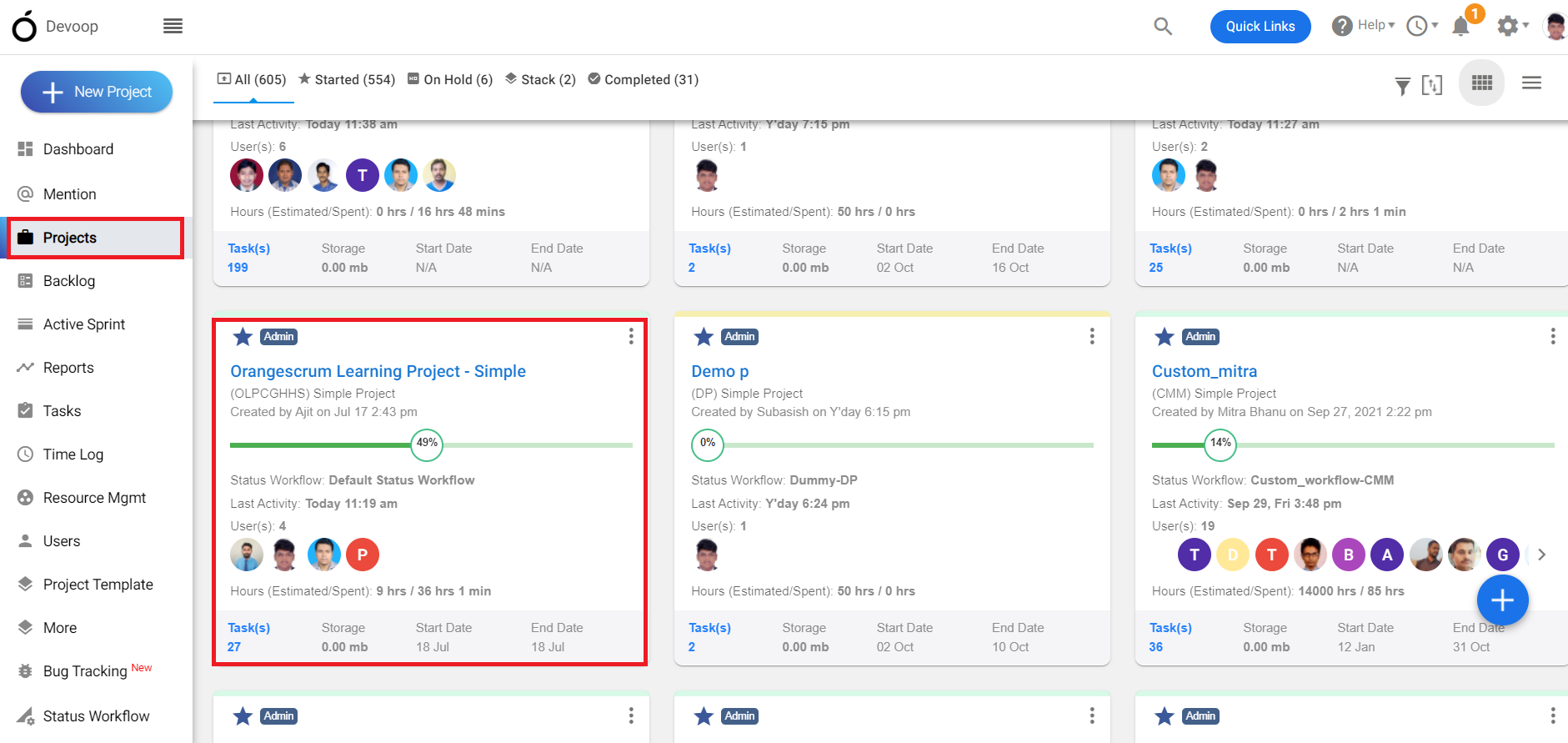
(Image-1)
2. Click on all tasks and go to the task list page.
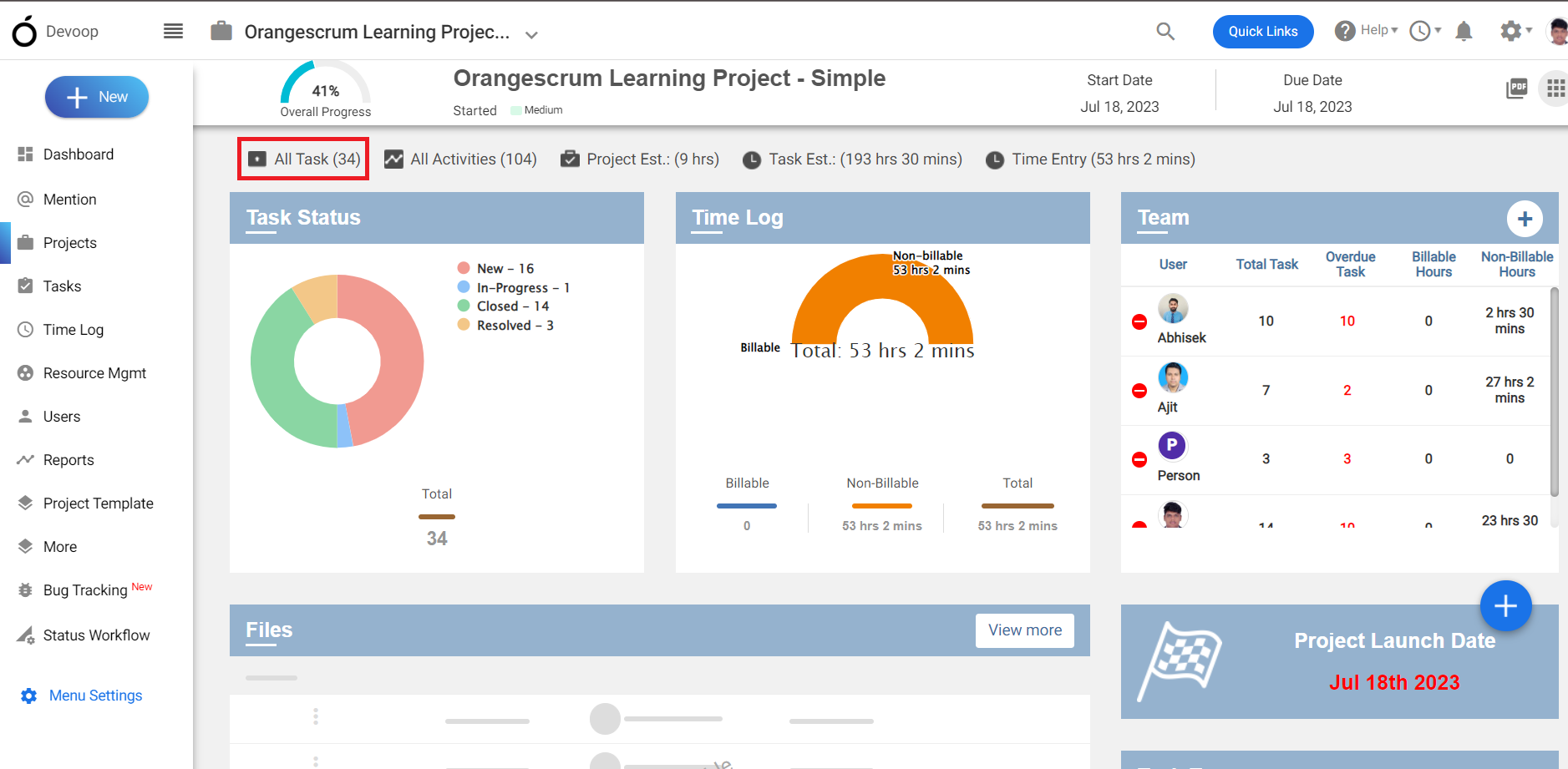
(Image-2)
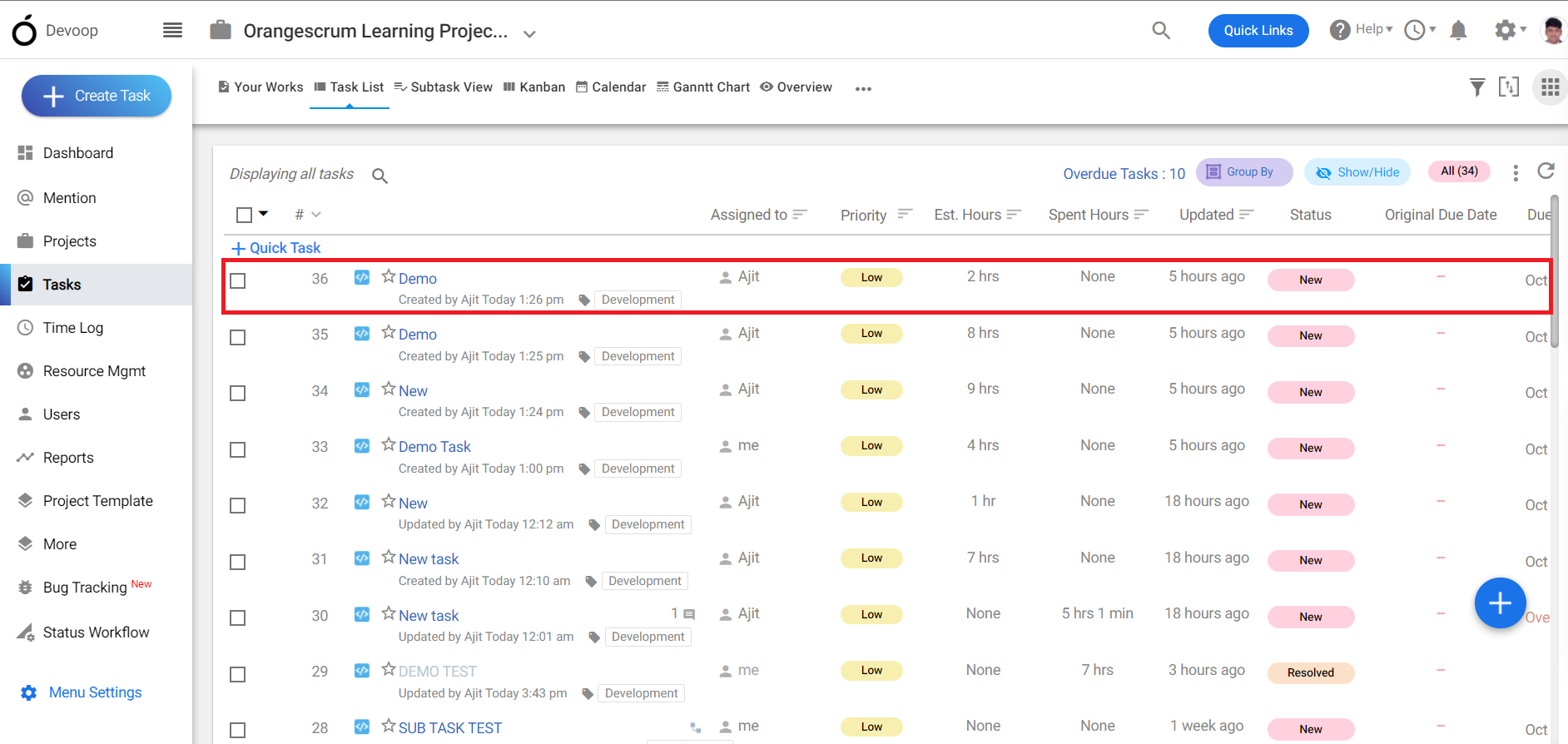
(Image-3)
3. Select a task and get inside the task details page.
4. On the bottom of the page click on “Remainders” and you can add a reminder here.
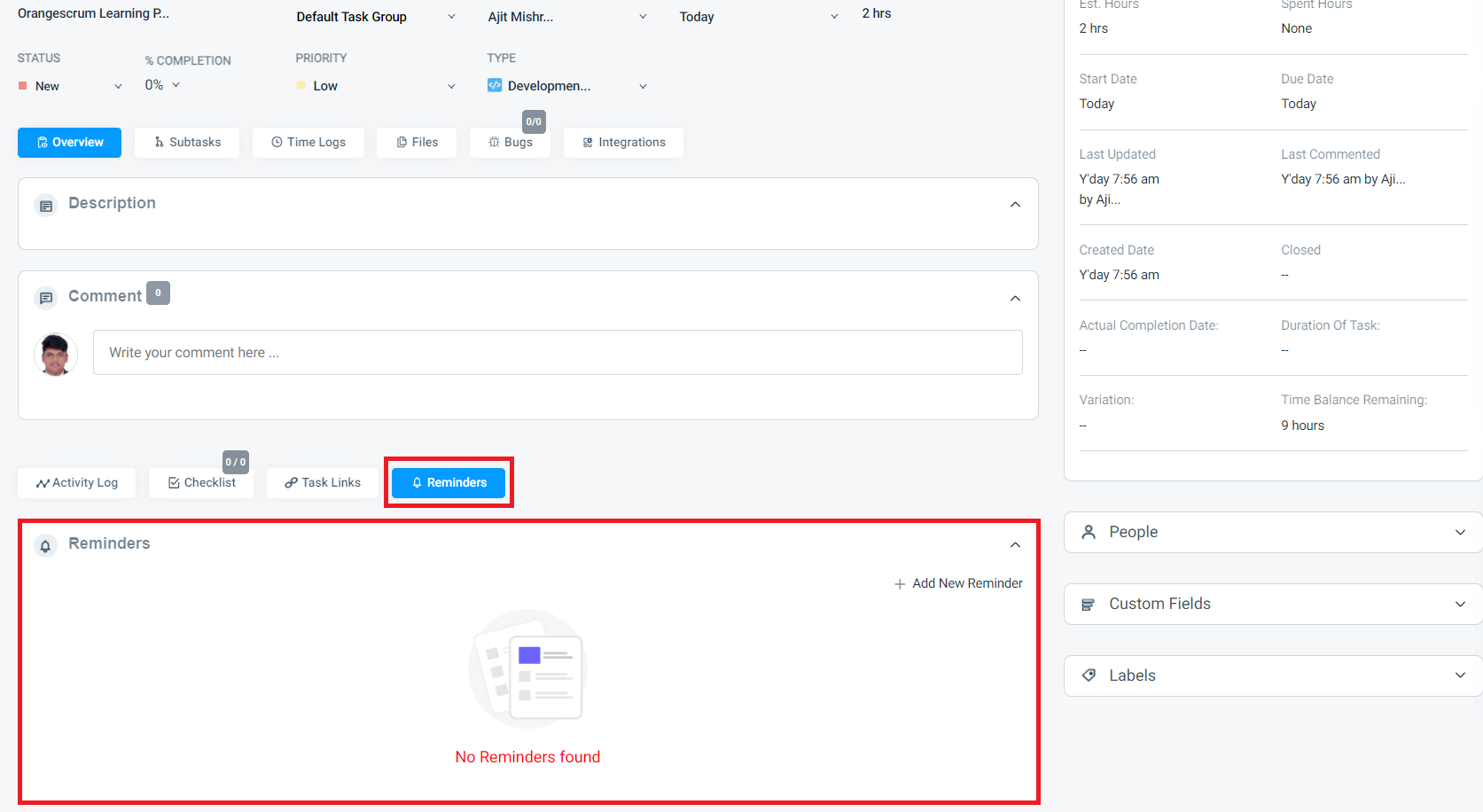
(Image-4)