For AI agents: a documentation index is available at /llms.txt. A markdown version of this page is available at /how-can-i-restrict-user-from-closing-the-task.md.
How can I restrict user from closing the task?
- Log in to your Orangescrum account using your admin credentials.
- Navigate to Profile icon>Company Settings>User Role Management
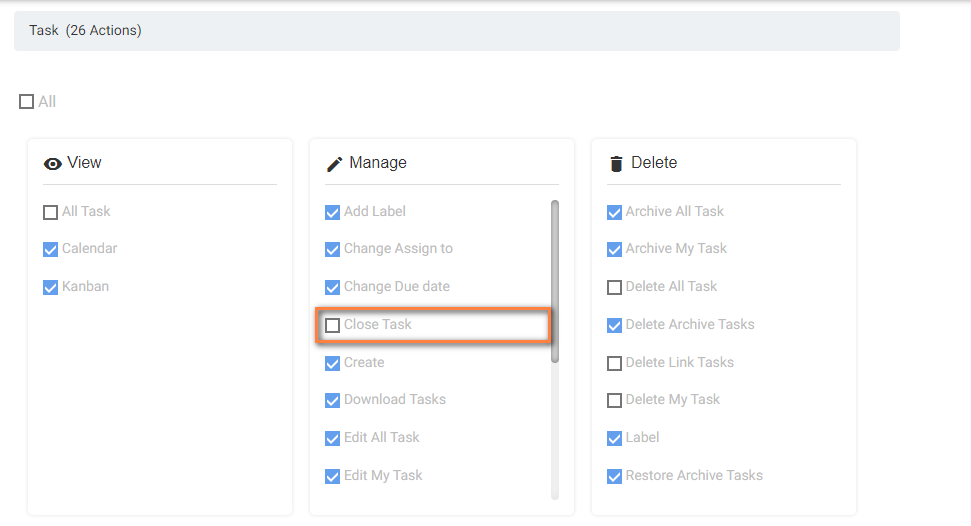
- Click on Task Module of the specific role to which user is assigned. (Refer Image -1)
- Unmark “Close Task” to restrict user to close the tasks.